A Focusrite studio mic setup provides a straightforward path to professional-grade sound for home recording and studio upgrades, offering integrated audio interfaces, high-quality microphones, and essential accessories. These systems are renowned for their intuitive design and robust performance, making them a favorite for both beginners and seasoned audio professionals. With over a decade of experience in audio engineering, the reliability and quality of Focusrite systems consistently impress, simplifying the complex world of audio recording.
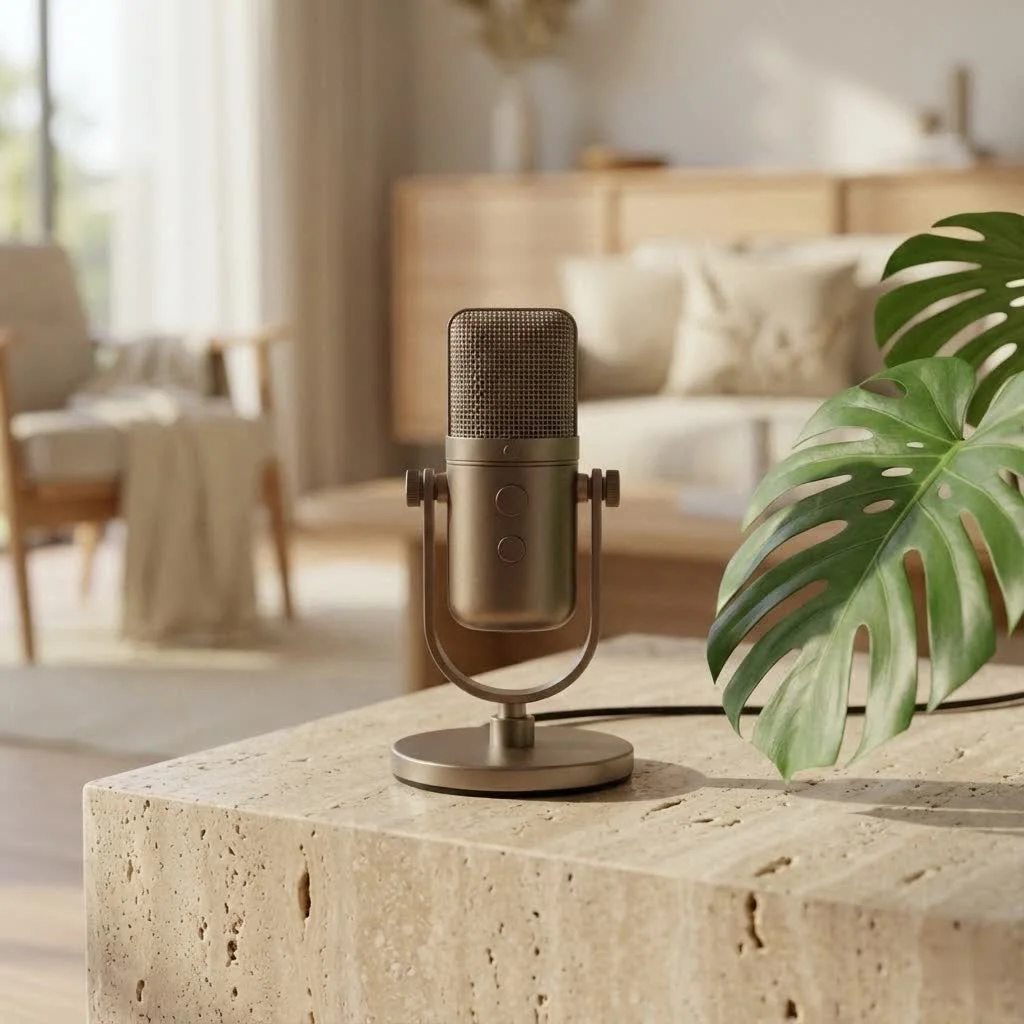
Unlocking Your Sound: Why Choose a Focusrite Studio Mic Setup?
Focusrite has earned a sterling reputation for making high-quality audio accessible. Their Scarlett range, in particular, is synonymous with intuitive design and robust performance, appealing to both beginners and seasoned pros. When you choose a Focusrite studio mic package, you’re investing in a complete ecosystem designed for seamless integration. This simplifies audio recording, allowing you to focus on creativity rather than troubleshooting gear. The convenience of a bundled interface, microphone, and headphones provides all core components to start recording immediately, making it an excellent entry point into serious audio production.
Deconstructing Your Focusrite Studio Mic System
Understanding the individual components of your Focusrite setup is key to maximizing its potential. Let’s break down what typically comes in these powerful bundles or what you’d pair with a Focusrite interface.
The Core: Focusrite Scarlett Audio Interfaces
The heart of any Focusrite studio mic setup is the Scarlett audio interface. These compact, red boxes convert the analog signal from your microphone into a digital format your computer can understand, and vice versa. They house pristine preamps that boost your microphone’s signal to a usable level, ensuring low noise and high fidelity.
Focusrite interfaces, like the popular Scarlett 2i2 or Scarlett Solo, come equipped with versatile “Combo” inputs for XLR microphone cables or ¼” (6.35 mm) instrument cables. They also provide essential features like 48V phantom power, crucial for most studio condenser microphones, and “direct monitoring,” which offers real-time, zero-latency audio, a major upgrade for vocalists and instrumentalists. Connection to your computer is typically via a single USB-C cable, which also powers the device, keeping your workspace tidy.
The Microphone: Your Voice’s True Captor
While Focusrite interfaces work with virtually any microphone, their bundled studio mics are specifically chosen to complement the interface’s capabilities.
Most Focusrite studio mic bundles, such as the Scarlett Studio, include a high-quality condenser microphone like the CM25 MkIII. Condenser microphones are known for their sensitivity and wide frequency response, ideal for capturing intricate details in vocals, acoustic instruments, and nuanced room sounds. They require 48V phantom power from your interface. While bundles are a great starting point, many users also pair their Scarlett interfaces with other popular studio microphones, including dynamic options like the Shure SM7B, which benefits greatly from the clean gain provided by a Focusrite preamp.
Essential Accessories: Headphones and Cables
|
Our Picks for the Best Studio Mic in 2026
As an Amazon Associate I earn from qualifying purchases.
|
||
| Num | Product | Action |
|---|---|---|
| 1 | RØDE NT1 Signature Series Large-Diaphragm Condenser Microphone with Shock Mount, Pop Filter and XLR Cable for Music Production, Vocal Recording, Streaming and Podcasting (Black) |

|
| 2 | USB Microphone, MAONO 192KHZ/24Bit Plug & Play PC Computer Podcast Condenser Cardioid Metal Mic Kit with Professional Sound Chipset for Recording, Gaming, Singing, YouTube (AU-A04) |
|
| 3 | AKG Pro Audio P120 - Affordable 2/3-Inch Diaphragm Condenser Microphone for Clear Vocals & Instruments. Studio Recording or Live. XLR Connector. Black |
|
| 4 | Upgraded Studio Recording Microphone with Isolation Shield & Pop Filter - Music Condenser Mic for Podcasting, Singing, Home Studio - Sound for PC, Laptop, Smartphone |
|
| 5 | RØDE NT1 5th Generation Large-diaphragm Studio Condenser Microphone with XLR and USB Outputs, Shock Mount and Pop Filter for Music Production, Vocal Recording and Podcasting (Black) |
|
| 6 | Audio-Technica AT2020 Cardioid Condenser Studio XLR Microphone, Ideal for Project/Home Studio Applications, Black |
|
| 7 | Studio Recording Microphone Isolation Shield with Pop Filter and Metal Tripod Stand, Studio Mic to PC Laptop Smartphone, Music Microphone for Recording Singing Podcasting |
|
| 8 | Condenser Microphone,PC Computer Podcast USB Condenser Microphone Cardioid Metal Mic Kit for Recording, Podcasting, Home Studio, YouTube, Black, BM-800 |
|
| 9 | Shure SM7B Vocal Dynamic Microphone – XLR Studio Mic for Podcasting, Recording, Broadcasting, Streaming & Gaming – Smooth, Warm Sound, Rugged Build, Detachable Windscreen, Wide Frequency Range, Black |
|
| 10 | Shure SM4 Studio Recording Microphone Kit, XLR Home Studio Condenser Mic with Mix-Ready Audio - All-Metal Construction, Includes Detachable Magnetic Pop Filter & Shock Mount (SM4-K-KIT) |
|
Accurate audio monitoring is paramount. Focusrite bundles often include comfortable closed-back headphones, designed for clear playback and minimal bleed into your microphone during recording. High-quality XLR cables are also included, ensuring a robust and interference-free connection between your microphone and interface.
Beyond the bundle, investing in a good shock mount for your microphone is highly recommended. As Ethan Blackwood, Lead Audio Architect at Tmava Sound Labs, states, “A great mic on a shaky stand is like a Porsche on flat tires.” A shock mount isolates your Focusrite studio mic from vibrations, preventing unwanted thumps and rumbles. Similarly, a pop filter is indispensable for vocal recording, effectively stopping harsh ‘p’ and ‘b’ sounds (plosives) from overloading the microphone diaphragm.
Master Your Setup: Connecting Your Focusrite Studio Mic
Getting your Focusrite studio mic system up and running is surprisingly straightforward. Let’s go through the steps.
Step-by-Step Connection Guide
- Connect Your Microphone to the Interface: Use the provided XLR cable. Plug the male end into your microphone and the female end into one of the “Combo” inputs on the front of your Scarlett interface. If you’re using a condenser microphone, engage the “48V” phantom power button on your interface, indicated by a green light.
- Connect the Interface to Your Computer: Use the supplied USB-C cable. One end goes into the USB-C port on the rear of your Scarlett interface, and the other connects to an available USB port on your computer. The Scarlett typically draws all necessary power directly from your computer via this connection.
- Connect Your Headphones/Monitors: Plug your monitoring headphones into the headphone jack on the front of the Scarlett. If using studio monitors, connect them to the dedicated TRS outputs on the back of the interface.
Software Installation and Configuration
Once your hardware is connected, your computer should recognize the Focusrite interface.
The “Easy Start” tool, accessible when you first connect your Scarlett, guides you through installing necessary drivers and software, including Focusrite Control. This software allows you to manage interface settings. After installation, ensure your operating system is set to use the Scarlett as both its default input and output audio device. On a Mac, this is done via System Preferences > Sound; on Windows, right-click the Sound icon on your taskbar and select Sound Settings. Finally, in your Digital Audio Workstation (DAW) software (like Ableton Live Lite or Pro Tools First, often included with Focusrite bundles), select the Scarlett as your audio input and output device to begin recording.
Achieving Professional Audio: Techniques for Your Focusrite Studio Mic
Connecting your gear is just the beginning. Mastering a few key techniques will dramatically improve the quality of your recordings.
Optimal Microphone Placement
The position of your microphone is critical. For vocals, a good starting point is about 6-12 inches (15-30 cm) from the sound source, slightly off-axis to reduce plosives, and always with a pop filter. For acoustic guitars, experimenting with placing the mic near the 12th fret or closer to the soundhole can yield different tonal results. Always listen carefully through your headphones to find the “sweet spot.”
Gain Staging Like a Pro
Proper gain staging is arguably the most important step for clean recordings. The gain knob on your Focusrite interface controls the input level of your microphone. You want to set this so that your audio signal is strong without clipping (distorting).
What is the ideal gain level for a Focusrite studio mic?Aim for your audio peaks to consistently hit between -12 dBFS and -8 dBFS on your DAW’s meters. This provides ample headroom for mixing without risking digital clipping. The gain knobs on Scarlett interfaces often have color indicators (green for good, amber for approaching peak, red for clipping) to help visualize your levels.
Newer Focusrite Scarlett models also include features like “Auto Gain” and “Safe Mode.” Auto Gain intelligently sets your input level by analyzing your performance, aiming for the optimal -12 to -8 dBFS range. Safe Mode acts as a digital safety net, preventing clipping by automatically adjusting gain if the input gets too hot. While these are helpful, learning to set gain manually first is generally advised, as relying too heavily on Safe Mode can sometimes lead to uneven dynamics in your recording.
Taming Your Environment: Acoustic Considerations
Your recording space plays a huge role in the final sound. Even the best Focusrite studio mic can’t magically fix a bad room. Minimize hard, reflective surfaces, and consider using blankets, duvets, or inexpensive acoustic panels to absorb reflections and reduce reverb. Ensure your shock mount is always in use to isolate your microphone from vibrations traveling through your desk or stand.
Direct Monitoring vs. Software Monitoring
Why is direct monitoring important when using a Focusrite studio mic?Direct monitoring allows you to hear your microphone input directly through the Scarlett interface with virtually no delay (zero latency). This is crucial for performers who need to hear themselves accurately while recording to stay in time and pitch, avoiding the distracting lag that can occur with software monitoring.
improve your Sound: Post-Processing and Workflow Tips
Your Focusrite studio mic captures the raw audio, but post-processing in your DAW is where you refine it. Focusrite often bundles their interfaces with light versions of popular DAWs like Ableton Live Lite or Pro Tools First, giving you a powerful starting point.
Basic processing typically includes:
- EQ (Equalization): To shape the tone, cutting unwanted frequencies, and boosting desirable ones.
- Compression: To even out dynamic range, making loud parts quieter and quiet parts louder.
- Noise Reduction: To clean up any residual room noise or hum.
Focusrite interfaces also feature an “Air Mode” on some models, which emulates the sound of Focusrite’s classic ISA mic preamps. Activating Air Mode typically boosts upper frequencies and adds a subtle transformer resonance, giving your vocals or instruments a brighter, more open, and “expensive” sound. Experiment with it to see if it complements your source.
Choosing the Right Focusrite Studio Mic for You
With various Focusrite bundles and interfaces available, how do you pick the best one?
How do I choose the right Focusrite studio mic setup for my needs?Consider your primary recording activities. If you’re mainly recording vocals or a single instrument, a Scarlett Solo Studio bundle might be perfect. If you need to record two microphones or a mic and an instrument simultaneously (e.g., singer-songwriter, podcast with two hosts), a Scarlett 2i2 Studio bundle is an excellent choice. Think about the type of microphone that suits your voice or instrument best – condenser for detail, dynamic for rejection of ambient noise – and ensure your chosen interface has enough inputs and phantom power if needed.
Nurturing Your Gear: Maintenance for Longevity
Taking good care of your Focusrite studio mic and interface will ensure they serve you well for years.
- Cleaning: Gently wipe down your microphone with a soft, dry cloth after each use. Avoid moisture getting into the capsule. For the interface, a slightly damp cloth is fine, but ensure no liquids enter the ports or knobs.
- Storage: When not in use, store your microphone in its case or a dust-free environment. Keep the interface in a place where it won’t be exposed to extreme temperatures or direct sunlight.
- Cable Care: Avoid tightly coiling cables or putting stress on connections. Faulty cables can introduce noise or intermittent signals.
Conclusion
Choosing a Focusrite studio mic setup is a smart move for anyone serious about capturing high-quality audio. With their robust interfaces, clear microphones, and user-friendly features, Focusrite empowers you to produce professional-sounding recordings right from your home studio. By understanding the components, mastering the setup, and applying fundamental recording techniques, you’ll unlock the full potential of your gear and bring your creative visions to life with clarity and impact. So, go ahead, plug in that mic, hit record, and let your sound shine!
Get our weekly buyer guide
Practical specs, not advice. Unsubscribe anytime.

I finally upgraded my home studio with a Focusrite Scarlett package, and the difference is night and day. The integrated audio interface made setup a breeze, even for someone like me who’s not super tech-savvy. My vocals sound so much clearer now, and I’m really impressed with the robust performance. Definitely worth the investment for anyone serious about their sound.
As a seasoned audio professional, I can attest to the reliability and quality of Focusrite systems. I’ve used various setups over the years, and their intuitive design consistently impresses me. The high-quality microphones in their packages really capture a professional-grade sound without breaking the bank. It’s a solid choice for anyone looking to upgrade their studio.
I got a Focusrite setup hoping to improve my guitar recordings. While the sound is definitely better than my old mic, I found the software a bit tricky to navigate at first. It took some time to get everything configured just right, which was a bit frustrating. Once I got past that, it’s been decent, but the initial learning curve was steeper than I expected.
I’ve been using a Focusrite studio mic for a few months now, and it’s been great for my podcasting. The sound quality is excellent, and it’s really simplified my recording process. My only minor complaint is that the included accessories felt a little basic, so I ended up buying a separate pop filter. Still, for the price, it’s a fantastic system.